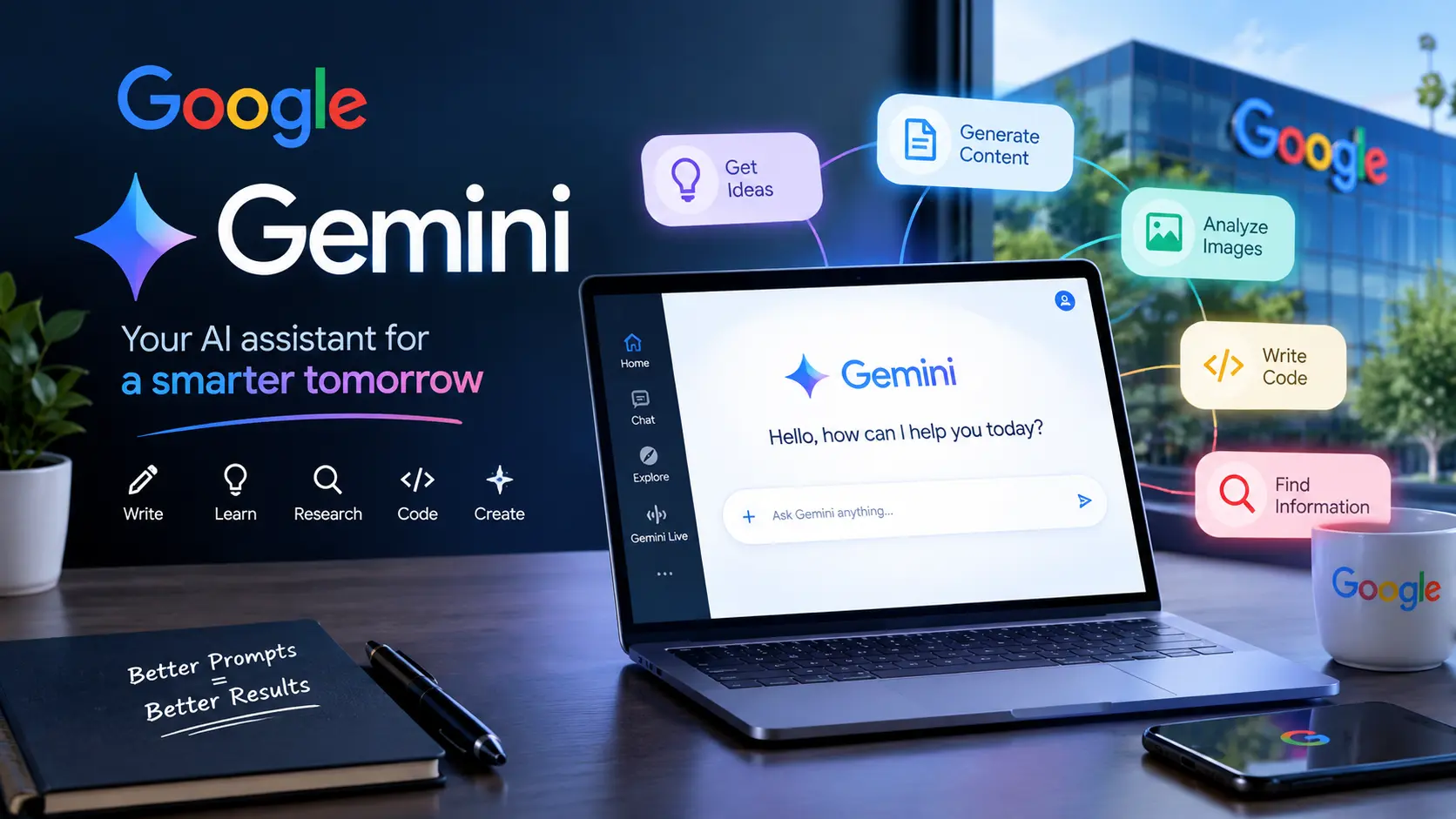
Google Gemini AI has quickly become a useful tool for people who want help with writing, research, brainstorming, learning, planning, freelancing, coding, and everyday tasks. Whether you are a student, content creator, business owner, freelancer, or simply curious about artificial intelligence Gemini can help you get more done with less effort.
The good news is that you do not need to be an AI expert to start using it. With the right prompts and a simple workflow Gemini can become a practical digital assistant for everyday work.
What Is Google Gemini AI?

Google Gemini is Google’s AI-powered assistant that can understand and respond to prompts in different formats. Depending on the feature and account available to you. You can work with text, images, files, and other types of information.
Gemini can help users brainstorm ideas, summarize information, explain complicated subjects, and work through problems. Google also notes that Gemini can make mistakes so important information should always be checked before you rely on it.
How to Start Using Gemini
Started is simple
Open gemini.google.com in a supported web browser. Some Gemini features can be used without signing in while signing in with a Google Account provides access to additional features and allows you to save Gemini activity.
Try a more specific prompt:
Create a beginner-friendly 7-day home workout plan for a busy professional. Keep each workout under 30 minutes.
The second prompt gives Gemini more useful context which can lead to a more relevant response.
Use Gemini for Writing and Content Ideas
One of the easiest ways to use Gemini is for content creation.
Ask it to:
Generate blog topic ideas
Create article outlines
Improve headlines
Draft emails
Rewrite confusing sentences
Create social media captions
Summarize long information
Brainstorm marketing ideas
Example: A small business owner could ask.
Give me 15 blog ideas for a local coffee shop targeting customers in the United States. Make the topics useful rather than promotional.
You can then select an idea and ask Gemini to develop an outline.
Try Gemini for Learning
Gemini can be useful as a personal learning assistant. Instead of simply asking for an answer ask it to teach you step by step.
For example:
Explain credit scores to me like I’m a beginner in the United States. Use a simple example and explain the most important factors. You can then continue the conversation with follow-up questions. This makes the interaction more useful than treating Gemini like a simple search box.
Create a Custom Gem for Repeated Tasks
One particularly useful feature is Gems. Gems allow users to create customized versions of Gemini with specific instructions for recurring tasks.
For example:
You could create a Gem for brainstorming blog topics studying a subject or following a particular writing style. This can save time because you do not have to repeat the same instructions every time.
Write Better Prompts for Better Results
The quality of your prompt can make a big difference.
Goal + Context + Format + Audience
For example:
Write a 500-word beginner-friendly article about saving money. The audience is young adults in the United States. Use simple English short paragraphs and practical examples.
This gives Gemini a clear direction instead of leaving the task open-ended.
Final Thoughts
Google Gemini AI can help with writing, learning, research, brainstorming, and everyday tasks. Use clear prompts for better results but always verify important information. The easiest way to learn Gemini is to start with simple tasks and explore different prompts.
Stay Updated With More AI Tips?
If you want more useful information AI tools, Tips and the latest updates, join our Telegram channel and stay connected with us.